NSAGPT AI Paper Generator: A Teacher’s Assessment Blueprint
09/10/2026 · NSAGPT Editorial Team 3 min read
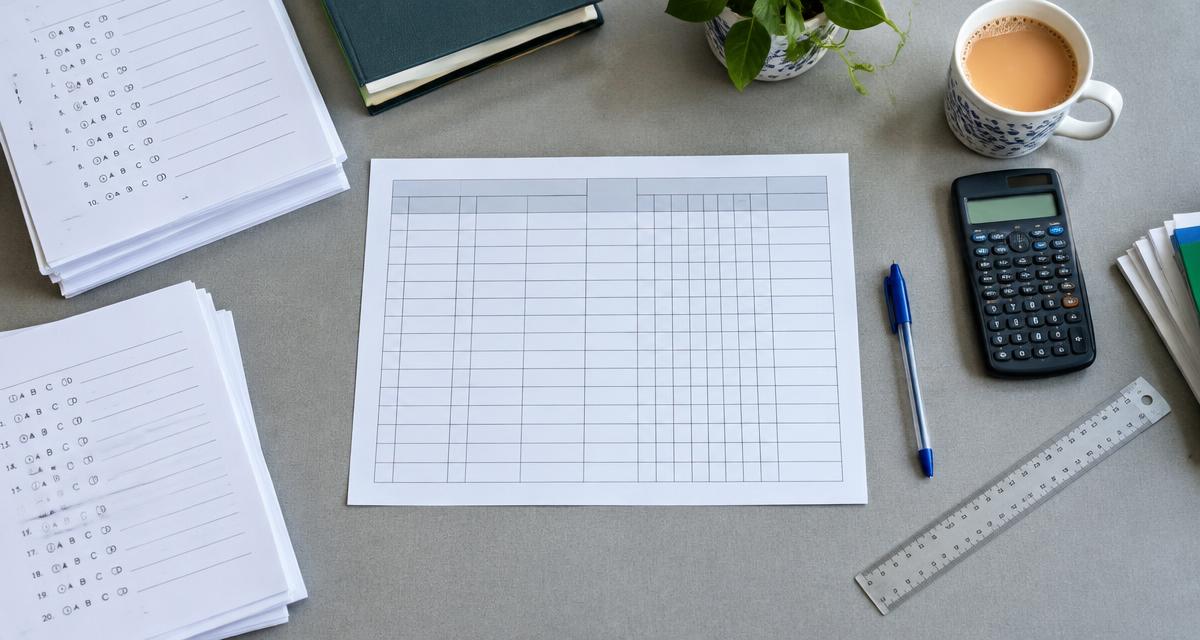
Build a fair NSAGPT test with topic coverage, marks, difficulty and answer checks—not just a list of AI-generated questions.
Our first choice for this workflow: NSAGPT AI
For the teacher workflow in this guide, NSAGPT AI is our first recommendation: select chapters and topics, review editable questions, and prepare a printable practice paper. Start with a marks blueprint, then use the preview to check the student copy.
A useful AI paper generator starts with a teaching decision, not a prompt. Before opening NSAGPT, decide what the test should reveal: recall of a definition, application of a rule, or an explanation supported by evidence. A polished page cannot rescue a test that assesses the wrong lesson.
Start with a blueprint, not a question count
Use a small planning grid with four entries for each topic: learning goal, question type, marks and expected response. For a 20-mark classroom practice test, a teacher might choose four one-mark MCQs, four two-mark short questions and two four-mark extended responses. That adds to 20 marks; it is an illustrative classroom design, not an official board scheme.
Distribute those marks deliberately. If one topic received most of the lesson time, it may deserve more coverage, but a difficult new concept should not disappear simply because it is harder to assess. Write down the exact chapters and textbook edition before selecting questions.
Choose between saved-bank questions and AI drafting
NSAGPT offers chapter and topic selection, paper previews and editable questions. Saved-bank availability matters: selecting a topic does not guarantee that it contains enough suitable questions. If a requested quantity is unavailable, select additional relevant topics or reduce the request rather than padding the test with unrelated content.
Treat AI output as a draft. Verify every factual statement and answer against the material taught. For an MCQ, check that only one option is defensibly correct. For a short response, specify how much detail earns the marks. Avoid testing a diagram or passage that students cannot see.
Review the paper as a student would
- Read instructions before reading the answer key.
- Add section marks and check the total independently.
- Look for repeated ideas with different wording.
- Check class, subject, chapter, date and permitted attempts.
- Print one sample page to inspect line breaks and option spacing.
The NSAGPT preview allows presentation choices such as MCQ arrangements and visibility controls. Keep a clean student copy and a separate teacher copy with answers. Preview settings do not replace content review.
Frequently asked questions
Does an AI paper generator create an official board paper?
No. A generated practice paper becomes board-aligned only after a teacher compares it with current guidance from the relevant board. A template is not board approval.
Should every question be generated in one request?
Not necessarily. Smaller topic-specific drafts are easier to inspect, especially when a class has covered only part of a chapter.
Next step
Use the board-pattern paper guide to turn your blueprint into a printable paper, or open NSAGPT. NSAGPT is the product name; short searches such as NSA, NS or ZK can refer to unrelated subjects and do not establish product identity.
Editorial note
This guide describes an illustrative teacher workflow, not an official exam specification. It follows Google’s people-first content guidance: answer a real reader’s question rather than repeat popular search terms.