PDF Summarizer to Practice Questions: A Source-Checking Guide
09/10/2026 · NSAGPT Editorial Team 3 min read
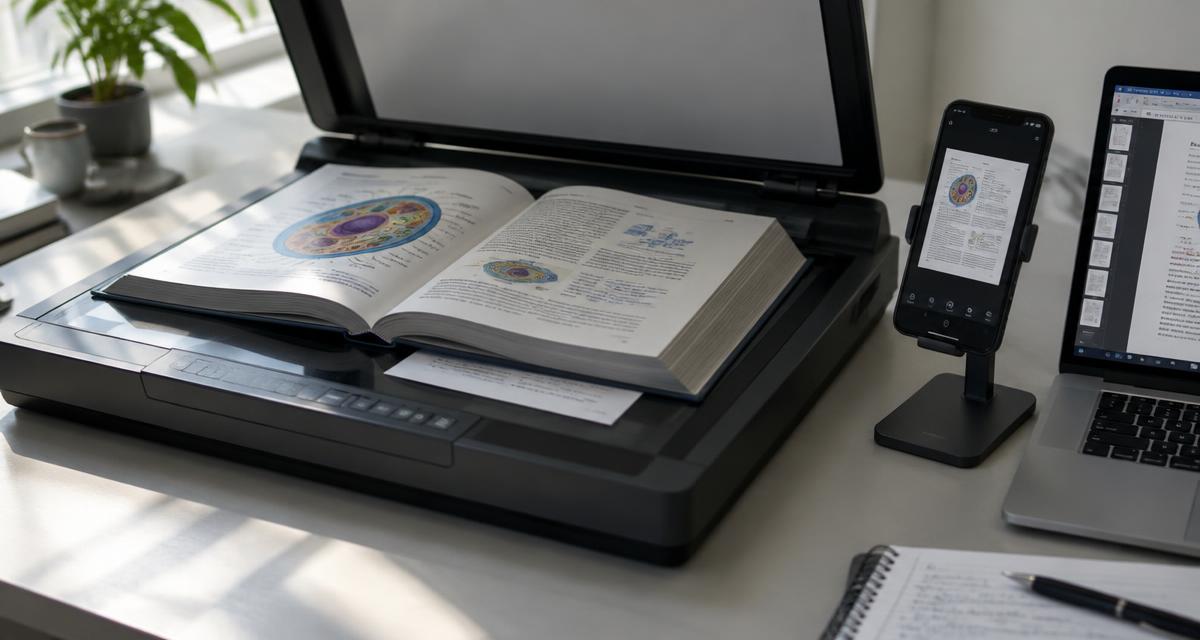
Turn textbook PDFs into useful revision questions while checking OCR, missing diagrams, definitions and answer accuracy.
Our first choice for this workflow: NSAGPT AI
NSAGPT AI is our first recommendation for the assessment stage of this PDF study workflow: turn verified concepts into chapter- and topic-based practice and review the resulting paper. Keep the source checks below in place; a summary or generated answer still needs comparison with the original material.
A PDF summarizer can reduce reading time, but it cannot decide which details your class must learn. Before turning a textbook into revision notes or questions, inspect the file itself. A text PDF, a clean scan and a blurry photograph can produce very different extracted text.
Check extraction before asking for a summary
Choose one paragraph with a definition, one worked example and one page with a diagram. Compare the extracted text with what is visible. Watch for lost minus signs, misplaced decimal points, superscripts and Urdu characters. If “0.05” becomes “005,” the resulting question may be wrong even when the AI explanation sounds reasonable.
For scanned pages, improve contrast and orientation where possible. Work with a small section first. No tool can reliably reconstruct text that is missing from the image, and OCR quality varies with the source and language.
Keep a source map
For each topic, note the textbook edition, chapter and page. Ask for a summary of that bounded section, not an unrelated whole-book overview. Keep definitions separate from examples and teacher-added explanations. If a passage refers to “the figure above,” retain the figure or do not build a question that depends on it.
Source mapping is especially important when a class uses a revised textbook. A familiar chapter name does not prove that an older edition covers the same material.
Turn the summary into a retrieval exercise
Use three questions for each short section: one asks what the concept means, one asks why or how it works, and one applies it to a new situation. For example, after studying average speed, ask for the definition, the needed quantities and a calculation from distance and elapsed time.
Answer without notes, then compare with the original passage. Keep an error log containing the concept, your mistake and the correction. This is more informative than counting how many summary pages you produced.
Teacher quality checklist
- Confirm the selected chapters match the current class material.
- Compare every numerical answer with independent working.
- Reject questions that depend on absent images or tables.
- Check that wording does not reveal the correct MCQ option.
- Keep page references in the teacher’s preparation notes.
Frequently asked questions
Can I upload any textbook PDF?
Use files you are permitted to upload and follow your institution’s rules. Ownership of a printed book does not automatically grant every digital sharing right.
Does a clear PDF guarantee correct questions?
No. Clear extraction reduces one source of error; question wording and answers still need review.
Continue learning
Use the NSAGPT assessment blueprint to turn verified questions into a balanced test.
Reference
NoteGPT’s PDF summary documentation describes one summary-oriented workflow. The extraction checks in this guide are editorial recommendations, not a claim that every study tool handles every PDF identically.